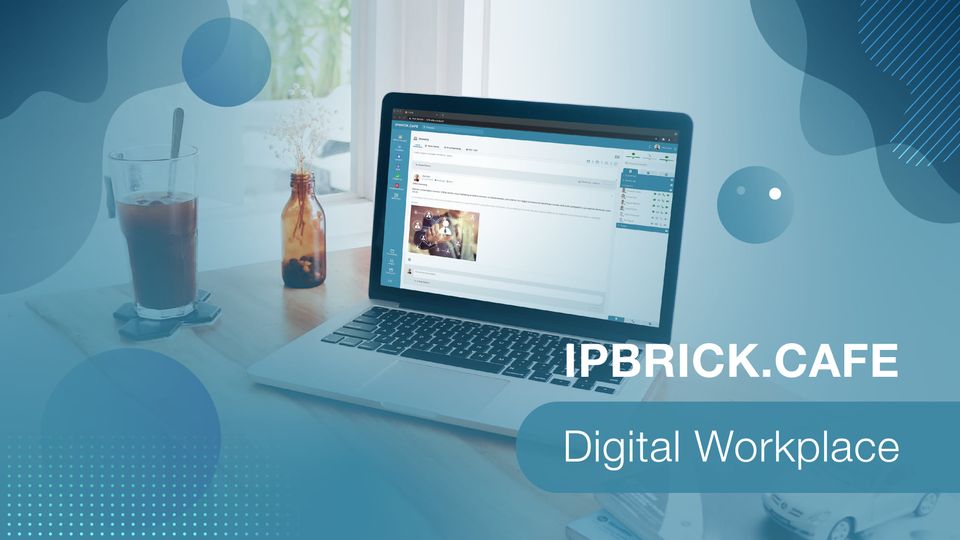
IPBRICK.CAFE is a private and secure space for information exchange in companies, which allows not only to streamline the communication of the company with its employees, but also the communication between the employees themselves.
It operates in a totally integrated way with the Unified Communications of IPBRICK: Voice, Video Conference, Professional Chat and Email.
If you already use IPBRICK.CAFE you may download the Desktop App, which is available for the following Operating Systems:
> Linux
> Windows
> Mac
See here all the features of IPBRICK.CAFE.
IPBRICK.CAFE – Digital Workspace
IPBRICK.CAFE is a private and secure space for the exchange of information, that allows not only to streamline the communication of the company with the employees but also the communication between the employees themselves.
It works in a totally integrated way with the Unified Communications of IPBRICK: Voice, Videoconference, Email and Professional Chat.
Why does your company need and Enterprise Social Network?

Advantages of Implementing a Enterprise Social Network Solution:
Centralization of communications: Voice, Videoconference, Professional Chat and Email.
Reduces email traffic inside of the organization, thanks to the possibility of sharing files for all users, or groups of users, directly in the social area, which allows all the participants to interact with the publication and the information to be centralized in one easily accessible place.
It allows people who don’t use IPBRICK technology to communicate with IPBRICK technology users, via UCoIP page, by Call, Videconference, Professional Chat and also Email, without having to install any software or support any communication costs.
Real-time communication (ability to communicate with all elements by voice, videoconference, professional chat and email) regardless of the physical location.
Reduction of communication costs.
IOS and Android Apps and Desktop App.
FAQ – Frequent Asked Questions
Is IPBRICK.CAFE multi-platform ready?
Yes, IPBRICK.CAFE is multi-platform ready. It is possible to access it from desktop computers, laptops, tablets and smartphones.
What other communications tools are provided with IPBRICK.CAFE?
IPBRICK.CAFE is provided in a package of 3 essentials tools. All 3 tools are necessary, so that all communications can work flawlessly.
1 – The 1st one is a Software Application for Windows OS, which installs: Email Client (Thunderbird), Voice and Chat Client (Jisti), and auto-configures settings, so that the user only needs to insert its username and password. This also allows users to communicate by voice or chat between the windows environment and IPBRICK.CAFE interface.
2 – The personal UCoIP Page (PuP). This is a Web-page where any person, wheter it be a customer, a partner, a co-worker or any other person can communicate directly with the user and accessing it via browser. By simply tiping the “username.company.com”, it will access the 4 communication channels. When someone tries to comunicate with the user, this one receives an alert inside IPBRICK.CAFE interface and/or windows applications. If the user workstation’s phone is set to receive calls, the phone will ring instead of the Jitsi application.
3 – The Enterprise Social Network itself with all needed features. This is the bridge between all users and communication. The url to access its interface should be “cafe.company.com”.
Is it possible to integrate IPBRICK.CAFE with an already established server network?
Yes, in order to integrate IPBRICK.CAFE with existing server systems, one must aquire a IPBRICK.GT, as this will function has a media gateway.
Does IPBRICK syncronize with LDAP?
Yes. In fact all the options and features of IPBRICK.CAFE, where built with this in mind. All the user contacts, business applications, and colaboration tools are syncronized in a very effective way with LDAP. This means that, when a new user is added to the database, it will automatically appear inside IPBRICK.CAFE users list, and as said before, the user credentials will be the same for every application.